First login
Open the console
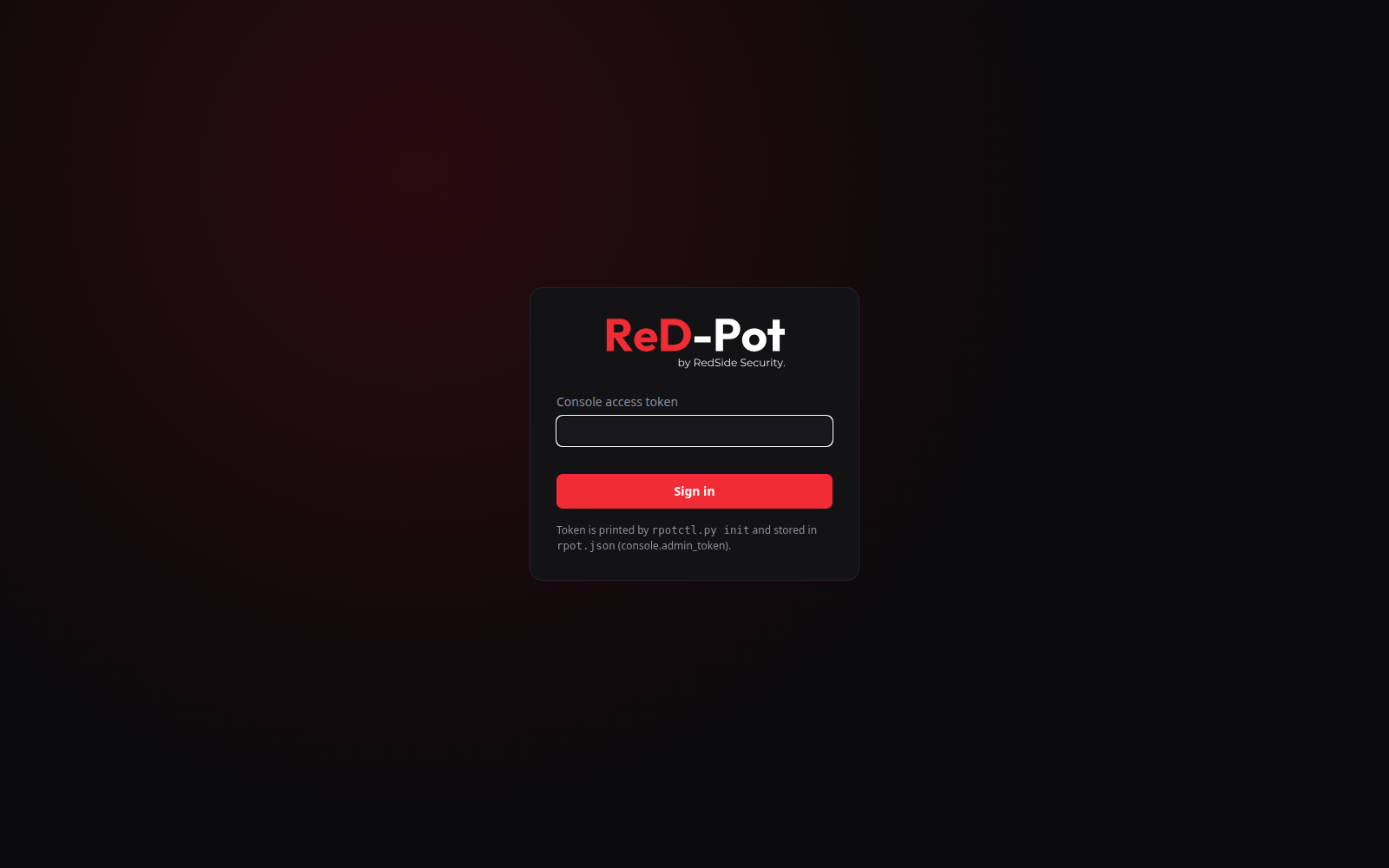
Open the Web UI address from the install summary (https://<management-ip>:<ui-port>). The certificate comes from a
private CA generated for your install, so the browser warns once. Accept it after checking that its fingerprint is the
Manager fingerprint in the summary. Then paste the admin token.
Keep the admin token secret
Anyone with the token can read your incidents and see where the baits are.
Lost the token? sudo cat /opt/redpot/manager/INSTALL-INFO.txt shows it, and sudo ./install.sh reset-token creates a
new one (every logged-in browser is signed out).
Check the decoys
On the Deception tab, check that every decoy is online. The header shows the edition, and the Deception card shows how many of the 3 decoy slots are used.
Trigger a first event
From a workstation, not from the manager:
nmapa decoy IP,- open
\\<decoy-ip>\in Windows Explorer, - or try an SSH login on a Linux decoy.
L1 to L3 events appear within seconds. Command lines for every role are in Testing your decoys.
Next
- Learn the console: The console.
- Send alerts to your SIEM: Alerts, SIEM and export.
- Add an allow-list entry for your vulnerability scanner, so it does not raise incidents: Configuration file.